Documentation Index

Fetch the complete documentation index at: https://docs.katakate.org/llms.txt

Use this file to discover all available pages before exploring further.

Katakate (k7) lets you run secure, lightweight VM sandboxes backed by Kata Containers and Firecracker, orchestrated with Kubernetes. This Quickstart gets you from zero to a working sandbox via CLI and Python SDK.
If you already installed k7 previously, consider running make uninstall before reinstalling to avoid stale cached files in a previous .deb.

Requirements

  • Linux (amd64) host with hardware virtualization (KVM)
    • Check: ls /dev/kvm should exist
    • Cloud guidance: AWS .metal, GCP (enable nested virtualization), Azure D/Ev series; typical VPS often lack KVM
  • One raw, unformatted disk for thin‑pool provisioning (recommended for many sandboxes)
  • Docker with Compose plugin (for the API)
    • Install Docker: curl -fsSL https://get.docker.com | sh
  • Ansible for the installer (Ubuntu):
sudo add-apt-repository universe -y
sudo apt update
sudo apt install -y ansible
  • Python 3.10+ on the client for the SDK
Tested setup example: Hetzner Robot instance, Ubuntu 24.04 (x86_64), with an extra empty NVMe disk (for the thin‑pool). See the detailed setup guide (PDF): k7_hetzner_node_setup.pdf.

Install the CLI (APT)

Install the k7 CLI on the node(s) that will host the VM sandboxes:
sudo add-apt-repository ppa:katakate.org/k7
sudo apt update
sudo apt install k7

Install K7 on your node(s)

This installs and wires up Kubernetes (K3s), Kata, Firecracker, Jailer, and the devmapper snapshotter with thin‑pool provisioning:

k7 install
Example output: k7 install
You should see “Installation completed successfully!” when done. Add -v for verbose output.

Start the API and manage keys

Start the API
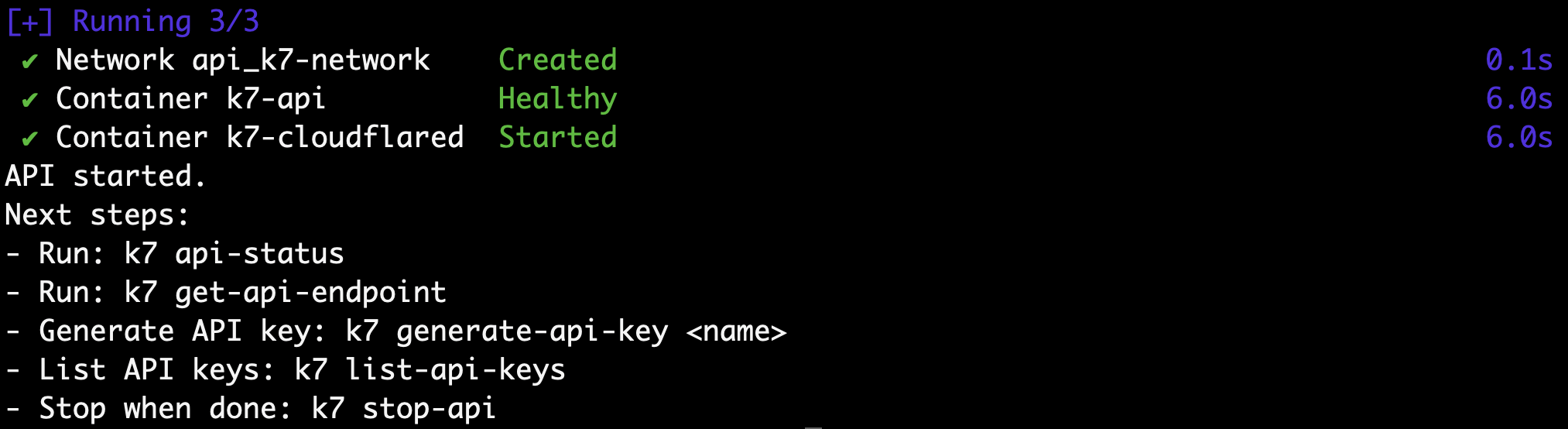
k7 start-api
Example: k7 start-api

Check API status

k7 api-status
Example: k7 api-status

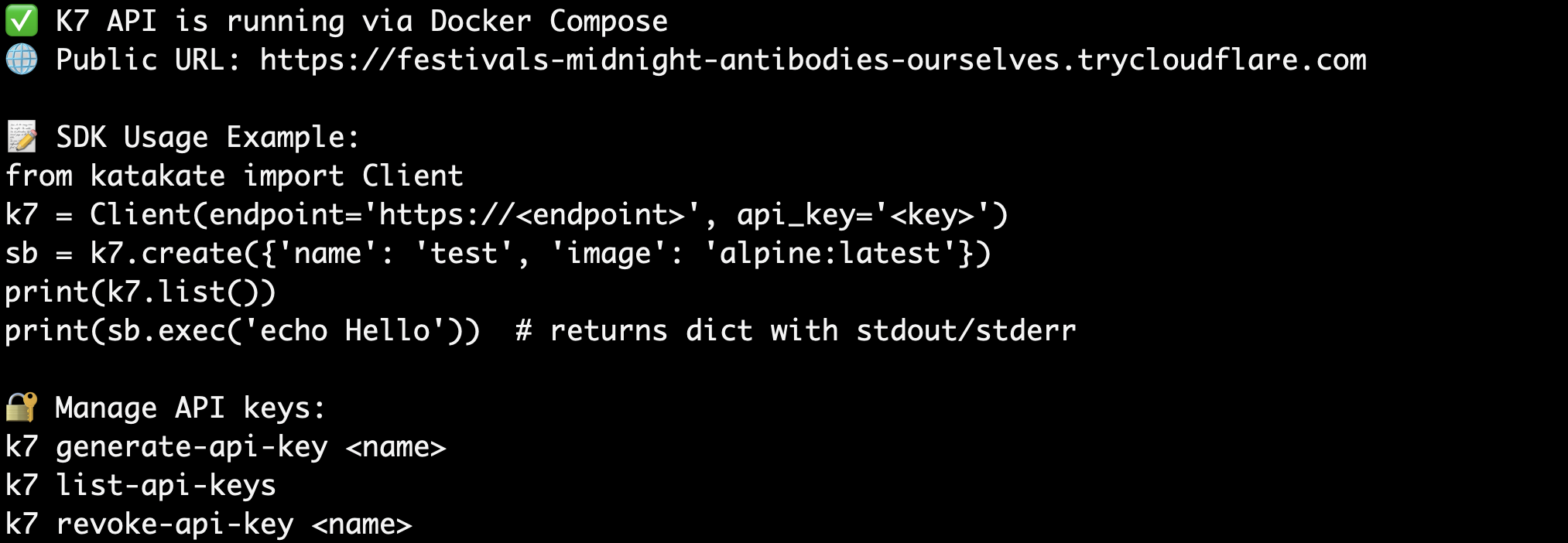
Get the public endpoint

k7 get-api-endpoint
Example: k7 get-api-endpoint

Generate an API key

k7 generate-api-key mykey
Example: k7 generate-api-key

Stop the API

k7 stop-api
Example: k7 stop-api
  • Ensure your user is in the docker group to manage the API containers.
  • API keys are stored at /etc/k7/api_keys.json by default. Authentication accepts X-API-Key header or Authorization: Bearer <token>.

Create your first sandbox via CLI

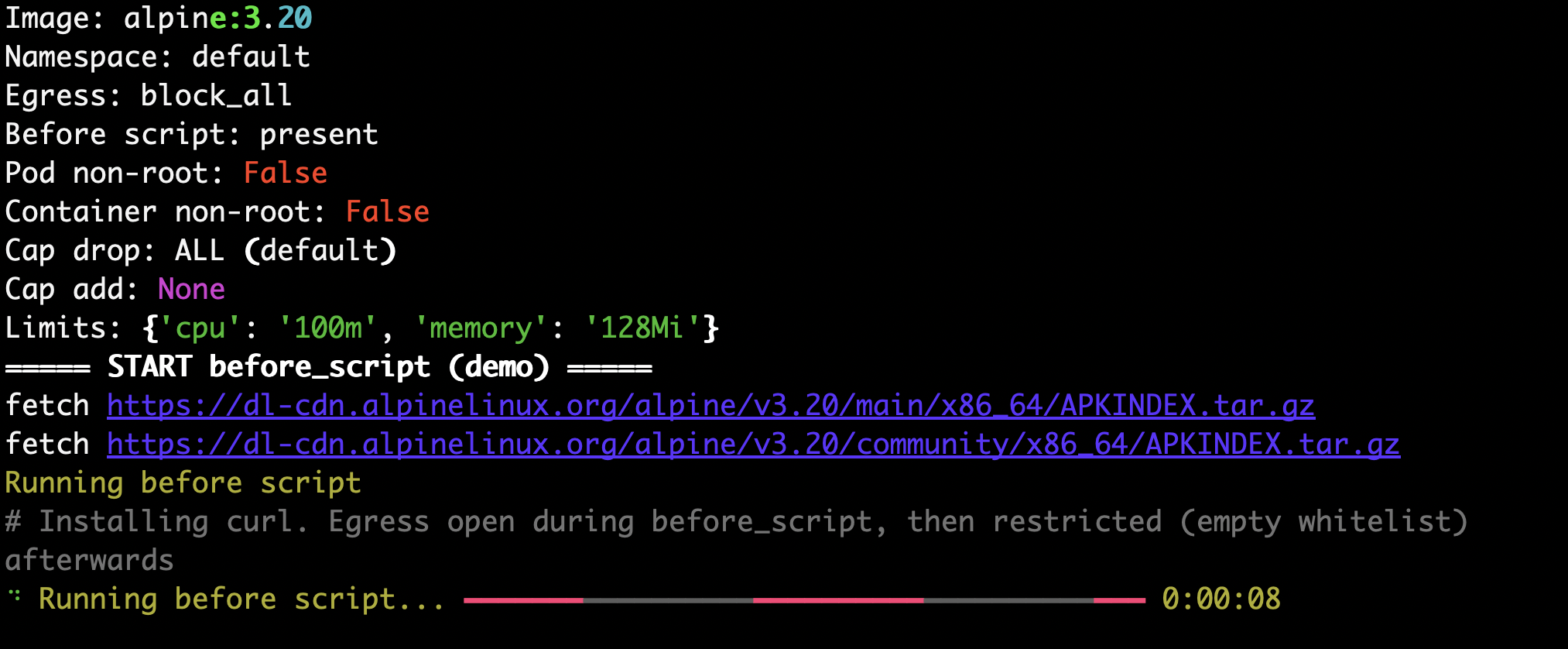
Example k7.yaml:
name: demo
image: alpine:3.20
namespace: default
env_file: /root/secrets.env
limits:
  cpu: "100m"
  memory: "128Mi"
before_script: |
  # Installing curl. Egress open during before_script, then restricted (empty whitelist) afterwards
  apk add curl
  echo $ENV_VAR_1
egress_whitelist: []

Create a sandbox

# Uses k7.yaml in the current directory by default
k7 create
Example: k7 create

Shell into your sandbox

k7 shell demo
Example: k7 shell

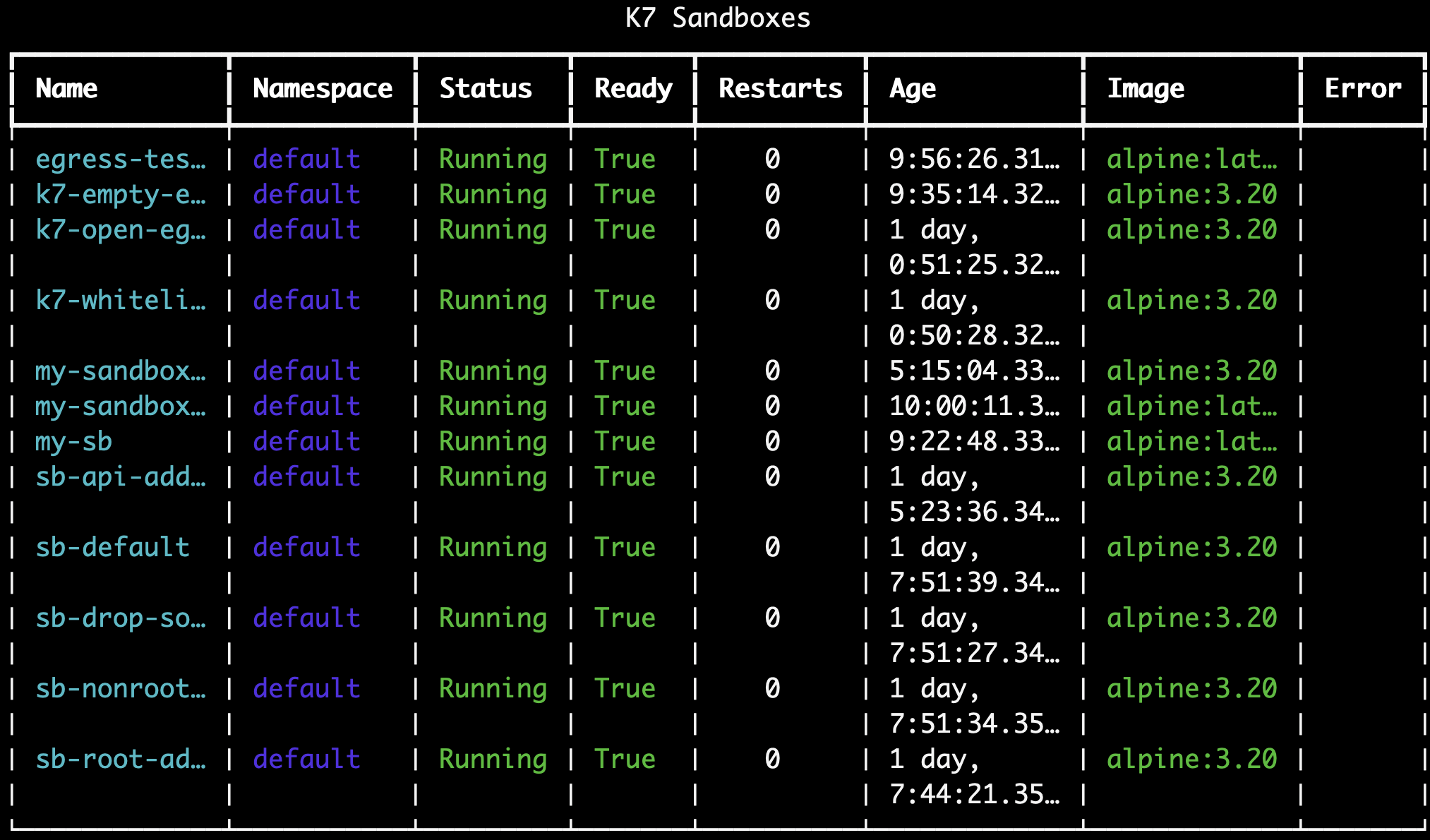
List sandboxes

k7 list
Example: k7 list

Delete a sandbox

k7 delete my-sandbox-123

Delete all sandboxes

k7 delete-all

Prerequisites for the SDK

# Ensure the API is running and you have an endpoint and API key
k7 start-api
k7 get-api-endpoint
k7 generate-api-key my-key

Create your first sandbox via Python SDK

Install the SDK on your client machine:
pip install katakate
Use the synchronous client:
from katakate import Client

k7 = Client(endpoint="https://<your-endpoint>", api_key="<your-key>")

# Create sandbox
sb = k7.create({
    "name": "my-sandbox",
    "image": "alpine:latest"
})

# Execute code
result = sb.exec('echo "Hello World"')
print(result["stdout"])  # or just print(sb.exec("echo hi"))

# List and cleanup
print(k7.list())
sb.delete()
Async variant:
import asyncio
from katakate import AsyncClient

async def main():
    k7 = AsyncClient(endpoint="https://<your-endpoint>", api_key="<your-key>")
    print(await k7.list())
    await k7.aclose()

asyncio.run(main())

Next steps

  • Explore the CLI guide: /guides/cli
  • Explore the Python SDK guide: /guides/python-sdk
  • Integrate with the REST API: /api/introduction